
Turn Any Book into an Audiobook
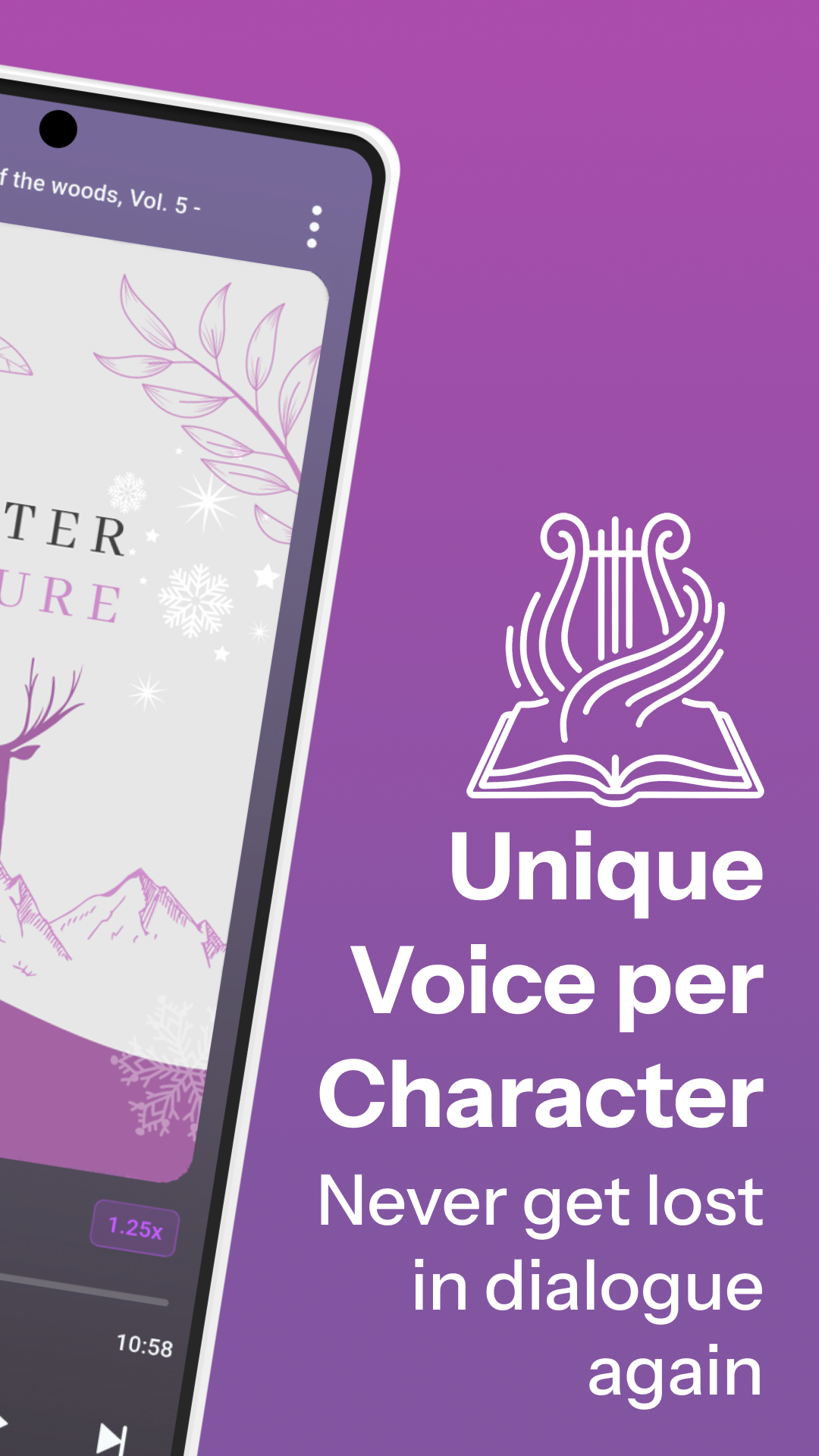
Upload your PDF or EPUB and our AI gives every character their own voice — so you never get lost in dialogue. A full cast audiobook, ready in minutes.
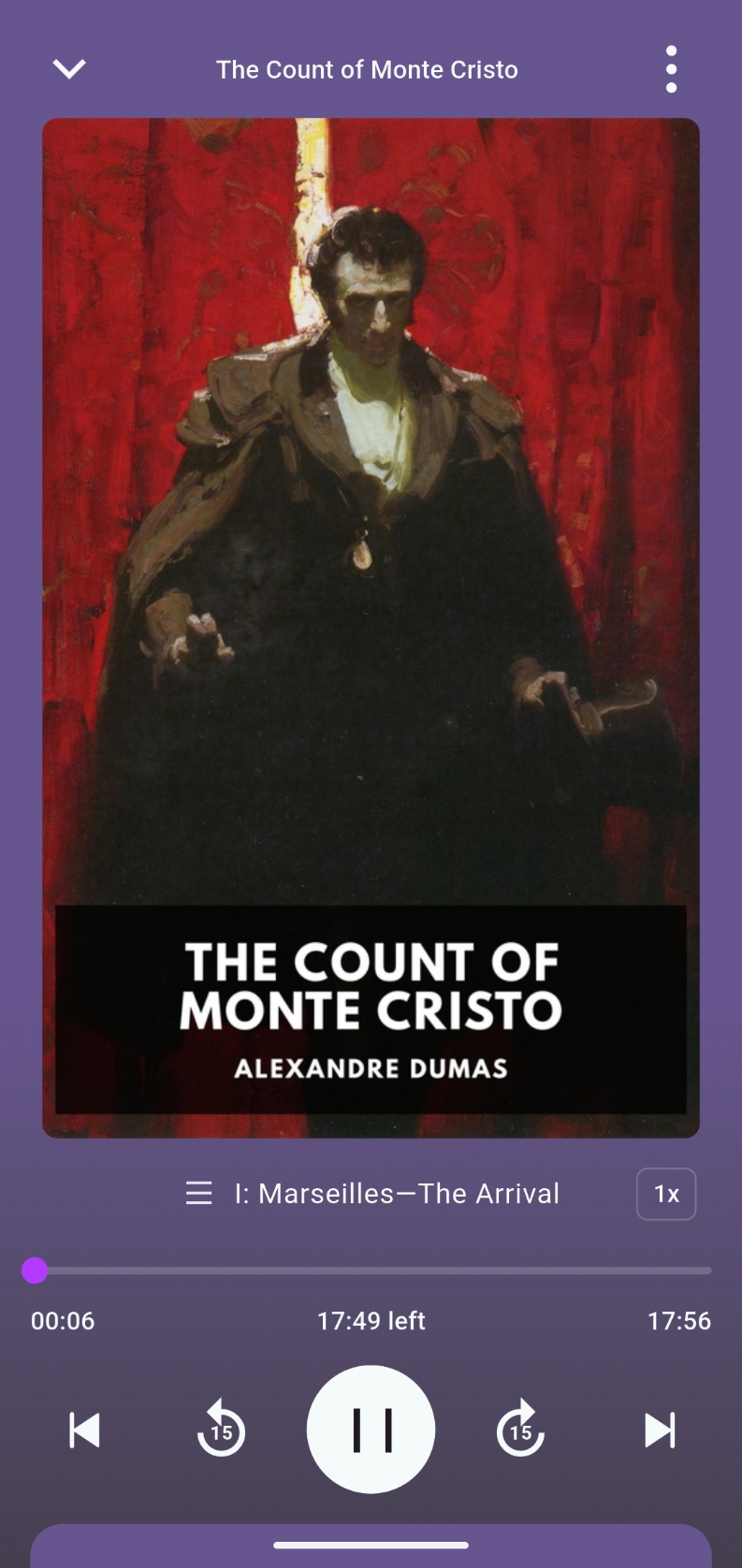
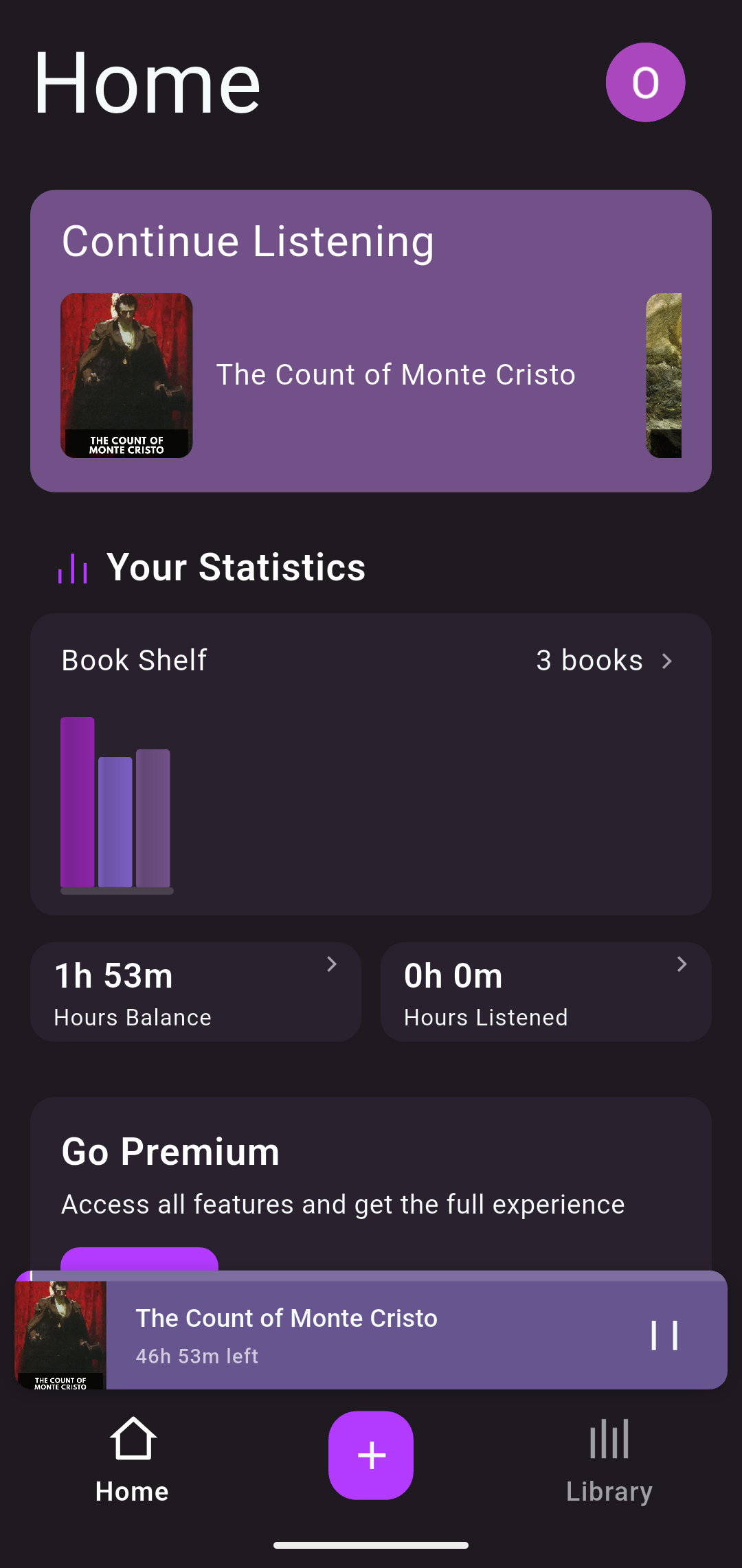
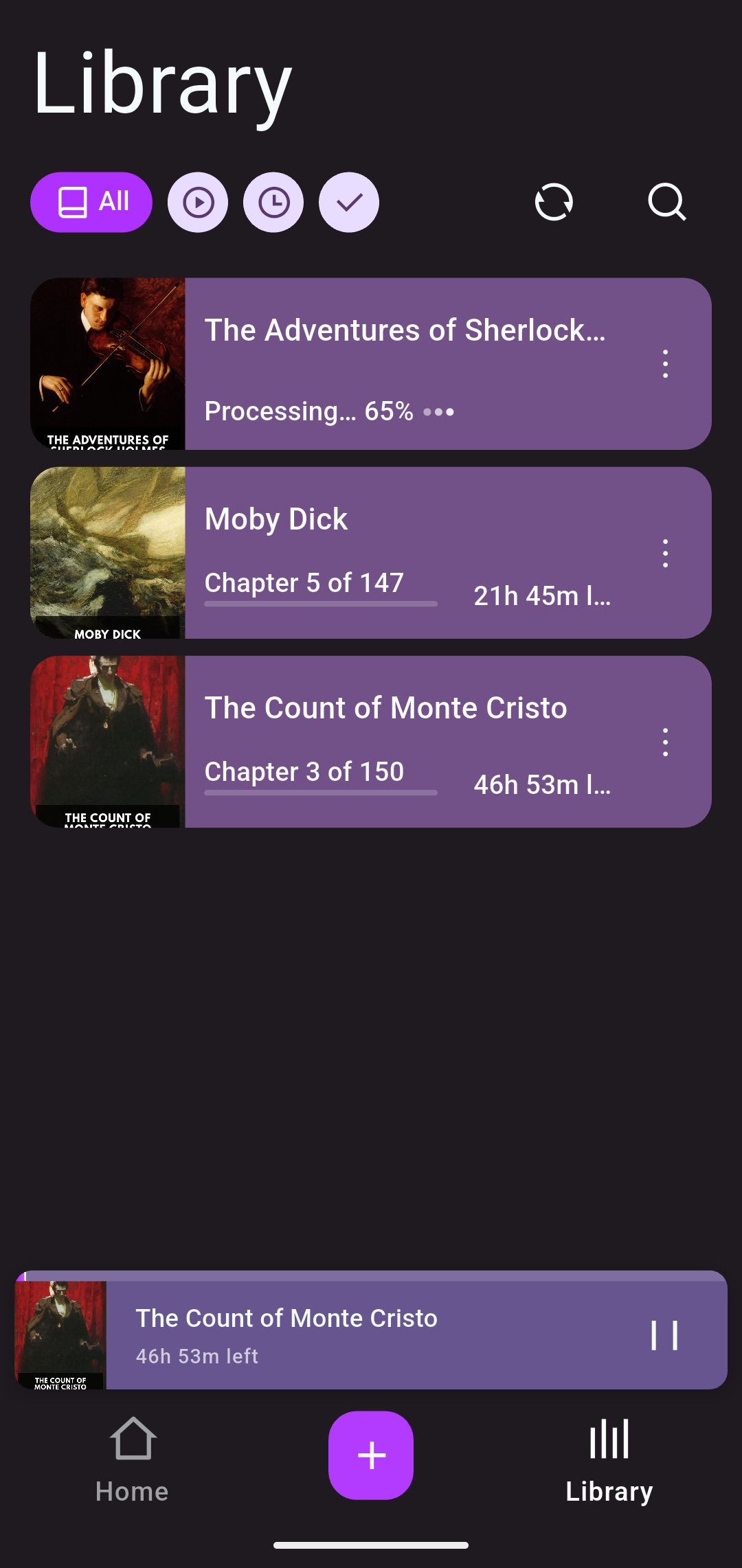
Upload. Prepare. Listen.
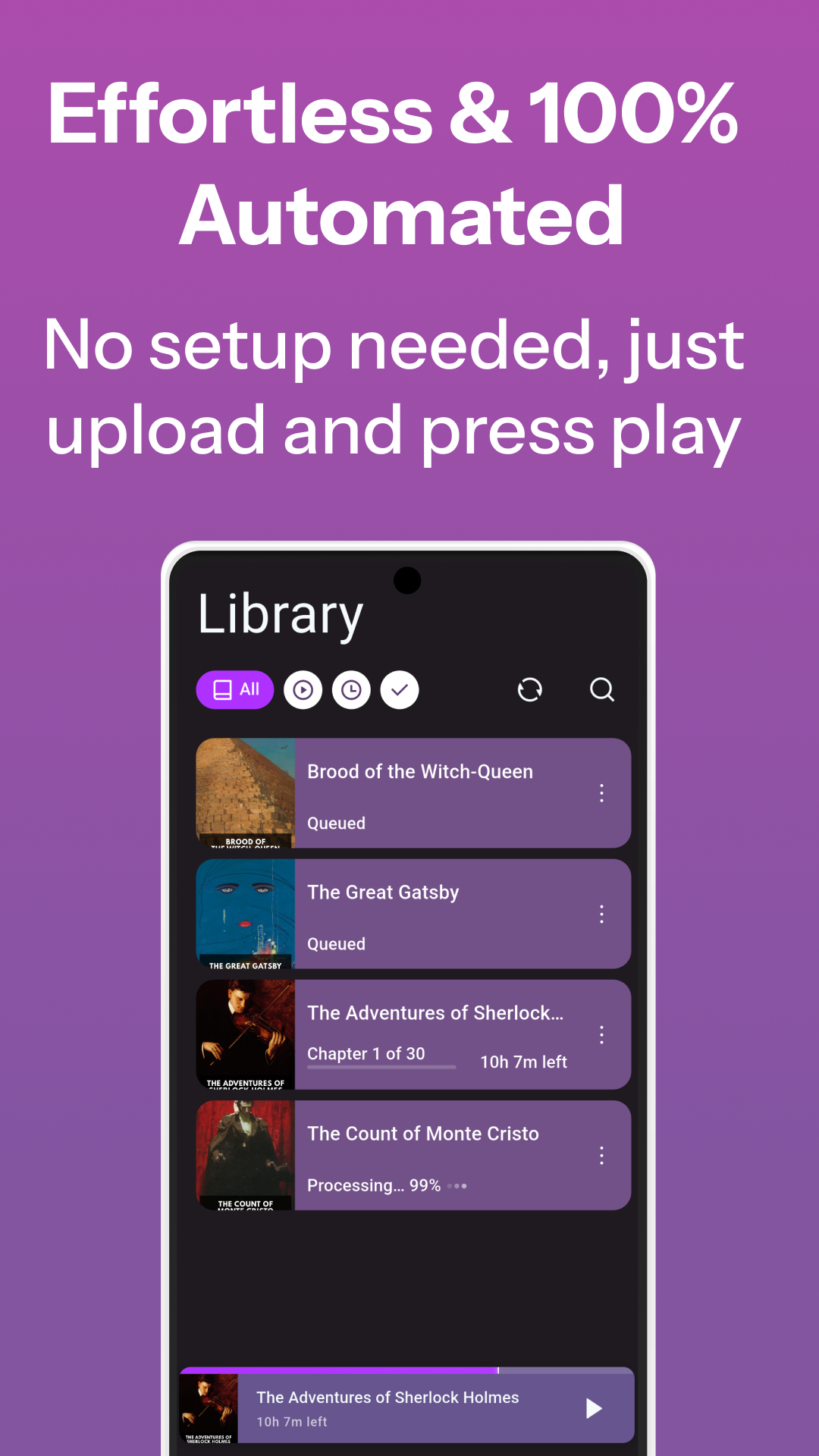
No configuration, no voice picking, no manual chapters. Just drop your book and press play.
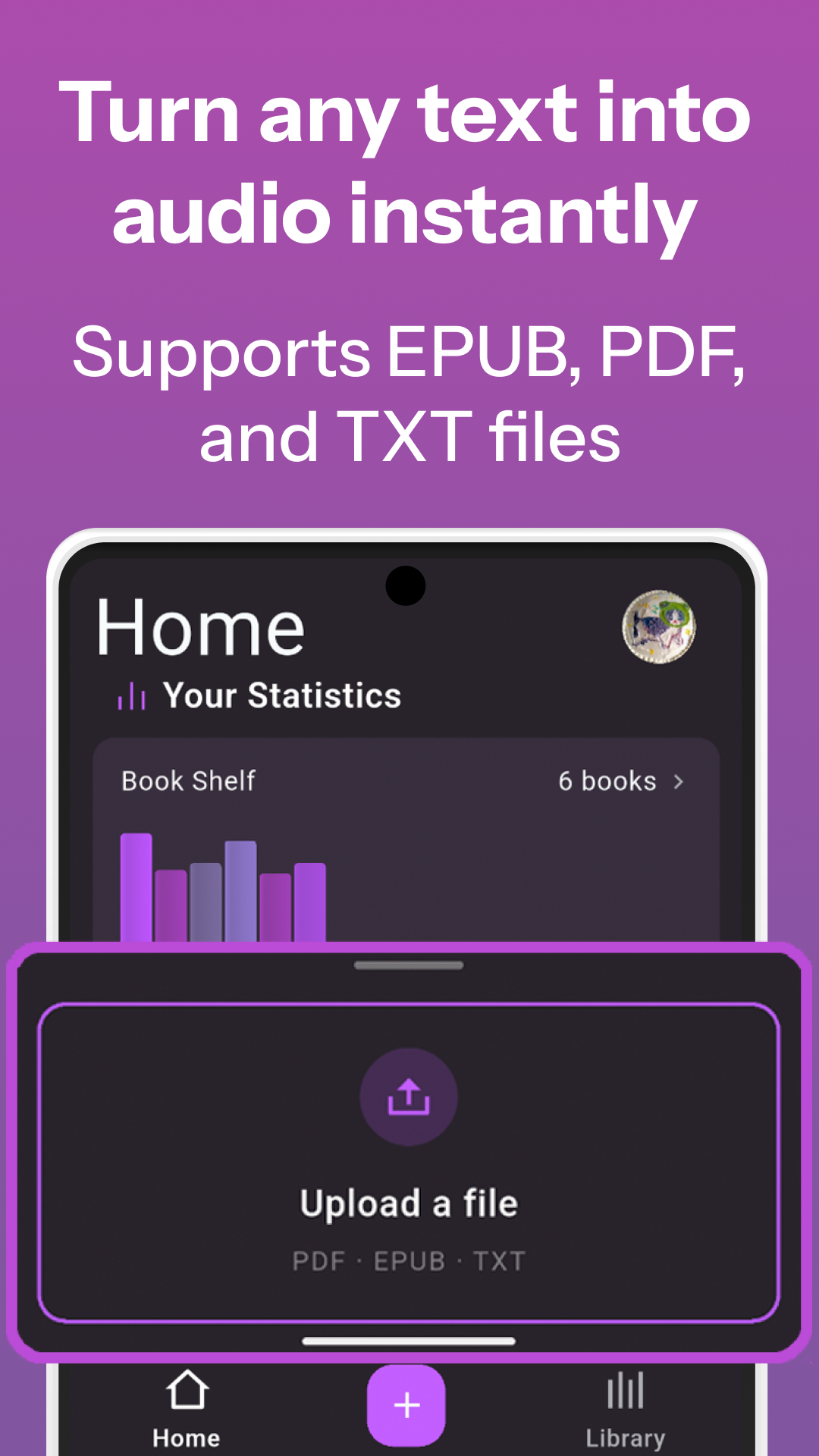
Upload a book you own
Add a PDF, EPUB, or TXT from your device. Novels, textbooks, documents, and other text-based books are supported.
Lyraboo casts the story
Narration and dialogue are separated, speakers identified where possible, and voices assigned automatically for a natural multi-voice experience.
Start listening in minutes
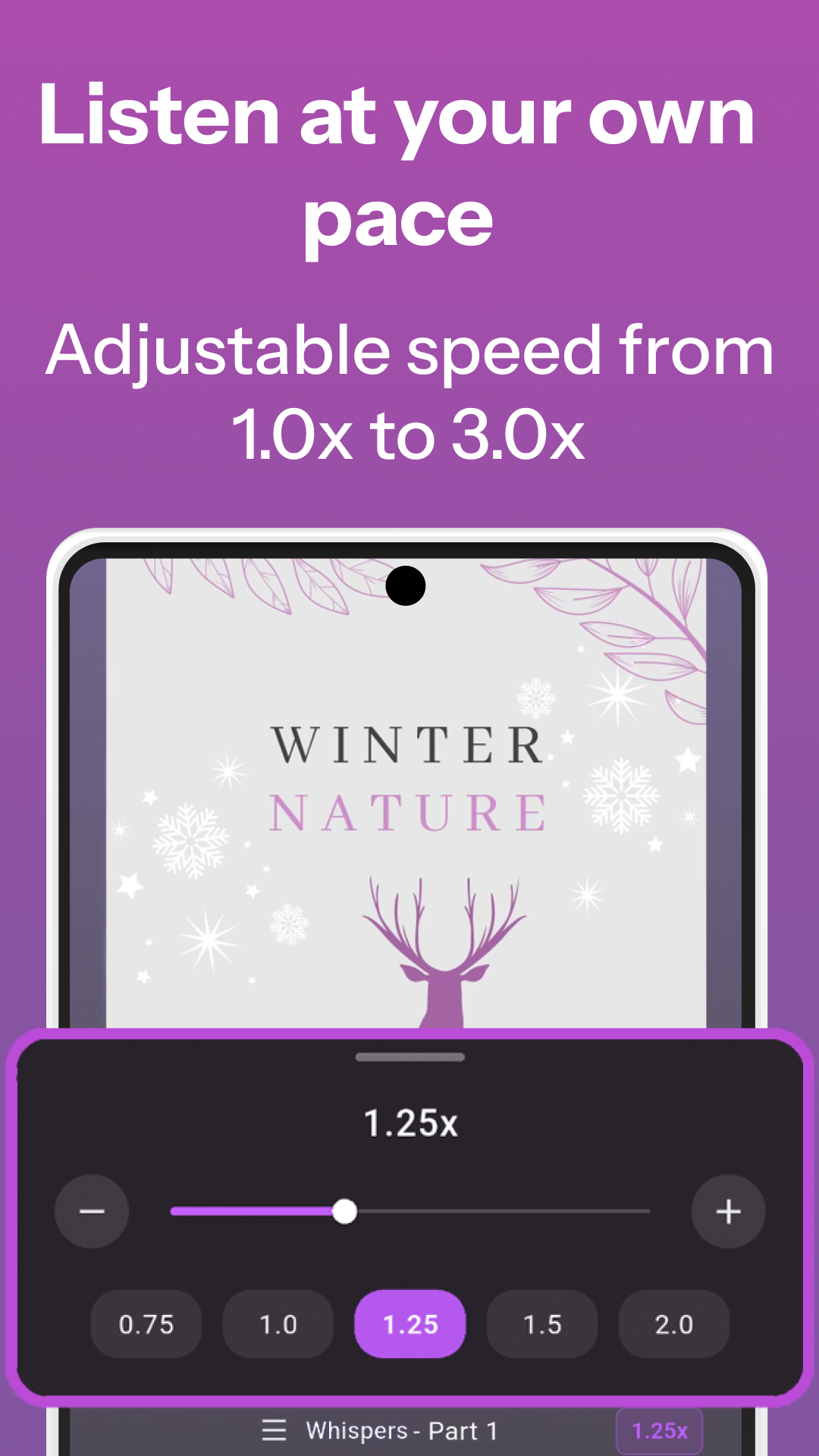
Play the generated audiobook in the app, adjust speed, and keep listening — the rest of the book generates in the background while you enjoy the first chapters.
Inside the App
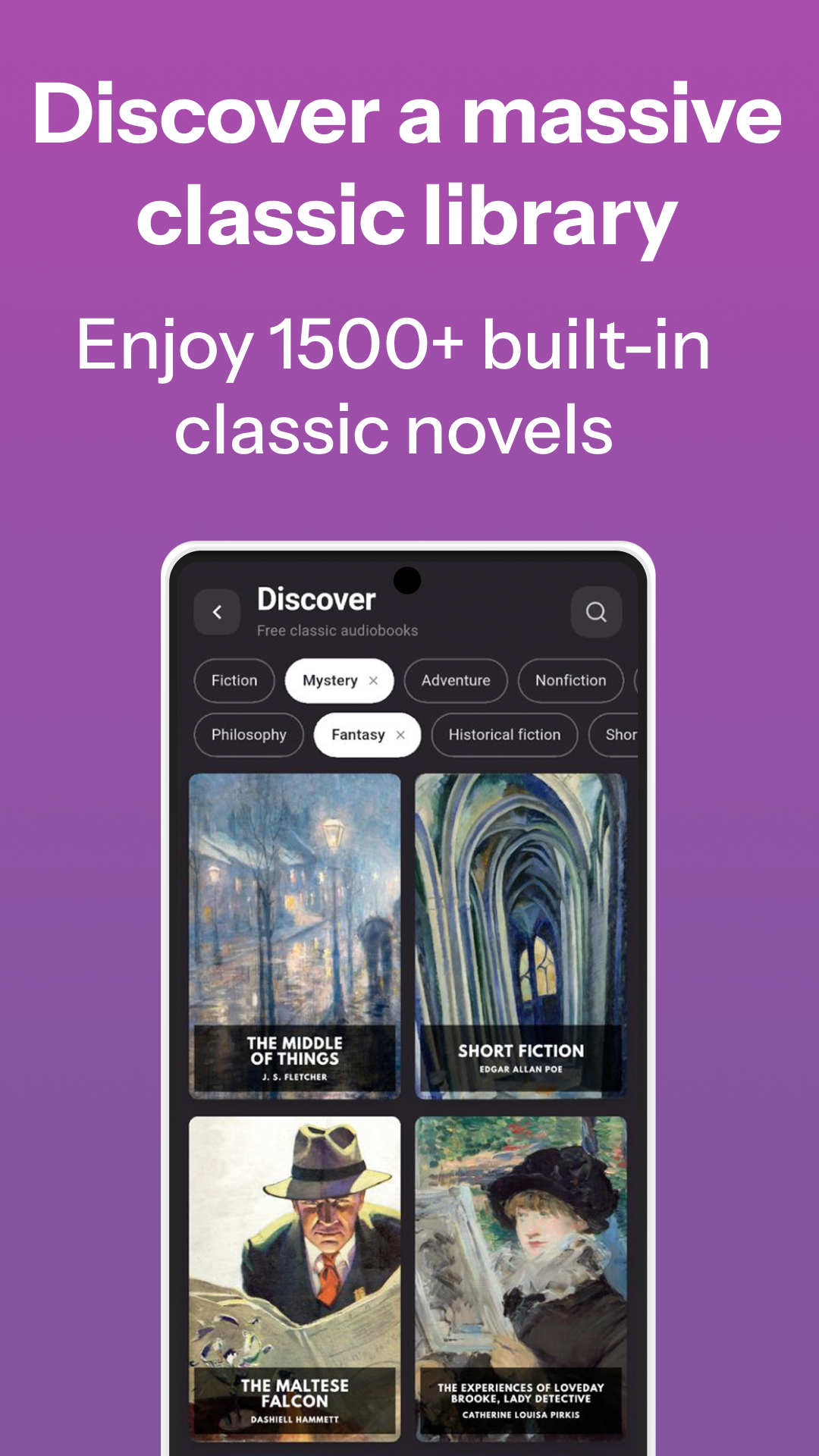
From upload to full-cast audiobook. Player, library, and speed controls all in one place.
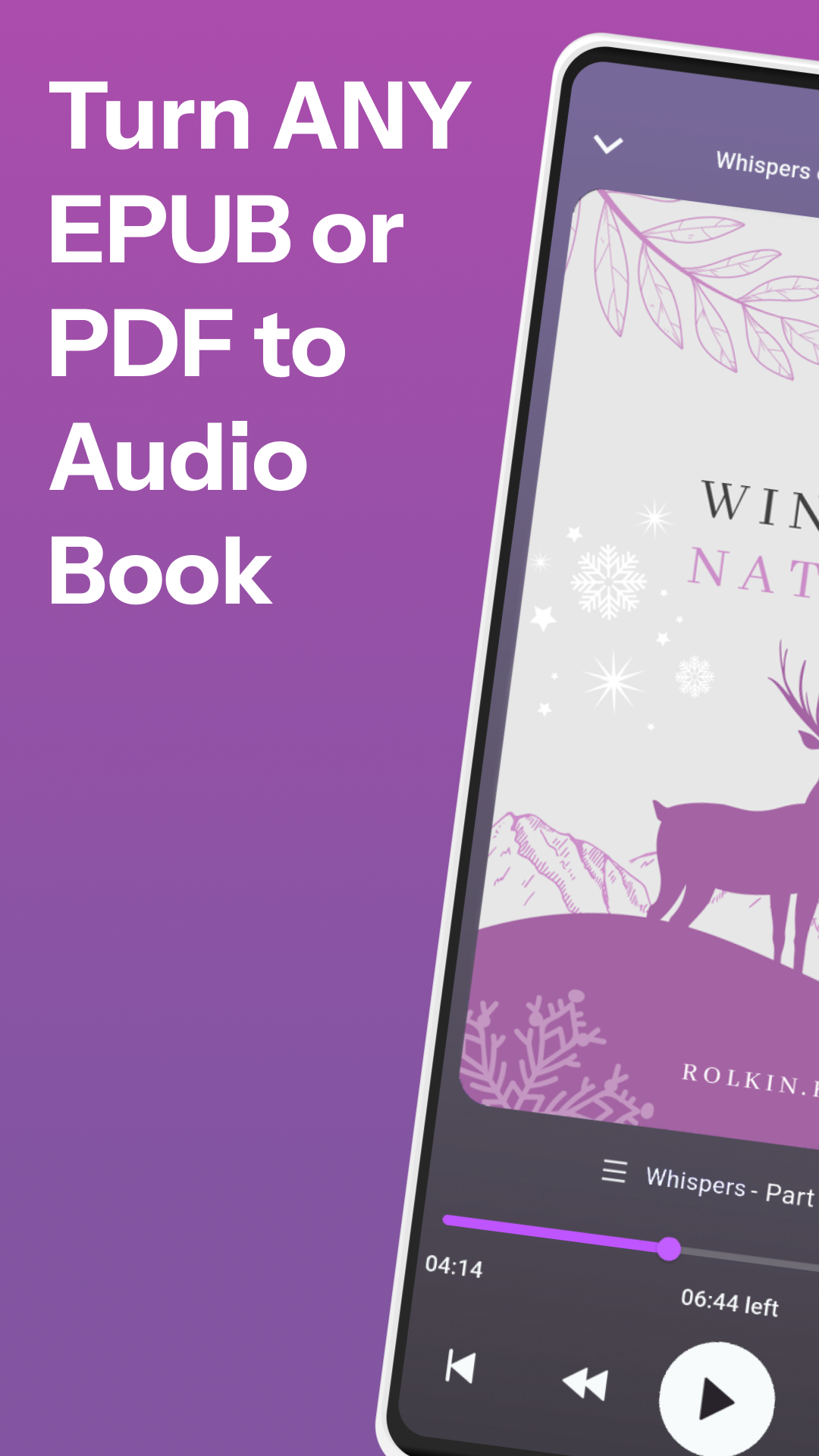
Why listeners choose us
Built around how people actually listen to long books.
Frequently Asked Questions
Everything you need to know before hitting play.
Why isn't Lyraboo free?
Generating audio for a full book is genuinely expensive. Each chapter goes through an AI casting system that figures out who is speaking, assigns voices, and then runs professional-quality text-to-speech — all of which costs real money per minute of audio. We charge just enough to keep the service running and improving.
Where do I find books to listen to?
Lyraboo includes a built-in library of classic open-source books you can try right away. But the real power is that any PDF or EPUB you already own works too. If you need more books, check an ebook distributor that lets you download EPUB or PDF files — many titles are available that way.
How long before I can start listening?
The first chapter is ready in about 1–2 minutes. After that, the app prepares upcoming chapters in the background as you listen, so in practice you never notice any wait.
How do hours, subscriptions, and top-ups work?
Lyraboo runs on an hours system. Hours are spent once when a chapter is generated — replaying it later is always free. Every account gets a small free top-up each month no matter what. When spending hours, free hours go first, then whichever paid hours expire soonest, so nothing is wasted.
For paid hours you have two options: a monthly subscription gives a fixed pool each cycle at the best price per hour, ideal if you listen regularly. Top-up packs never expire and suit occasional listeners or anyone who just wants to try a specific book.
| Type | Resets | Expires | Notes |
|---|---|---|---|
| Free hours | Monthly top-up | Yes, end of month | Given to every account |
| Subscription hours | Monthly with plan | Yes, end of cycle | Best price per hour |
| Top-up hours | One-time purchase | Never | Carry over indefinitely |
What languages are supported?
English books sound best — that is where Lyraboo started and where it is strongest. Spanish, Portuguese, French, German, Italian and Russian books can be narrated too, as a beta: the app recognises the book's language on its own. The app interface is in English. Scanned PDFs without real text can't be narrated in any language.
Something went wrong or a book failed — what should I do?
First, check that you have enough hours to cover the chapter. A 20-minute chapter needs at least 20 minutes of hours — if you only have 18 it will not start. If everything looks fine but it still fails, write to our support. We fix every reported issue and make the app more reliable with each one, so thank you in advance for the error reports. If a failure cost you hours unfairly, we will refund them.
How do I cancel my subscription or request a refund?
We understand — the app is still in development and we respect your decision. Subscriptions are managed through the store you used to subscribe (for most users that is Google Play). Go to your account settings in Google Play and find Subscriptions to cancel. If you run into any trouble or want to ask about a refund, contact our support and we will do our best to help.
How do I delete my account?
Instructions for deleting your account are at the bottom of this page — look for the Delete Account link in the footer.
Try Lyraboo on Android
Upload a book you own and let the app turn it into a multi-voice audiobook automatically.